What If I Made Changes in the Old App After Transferring?
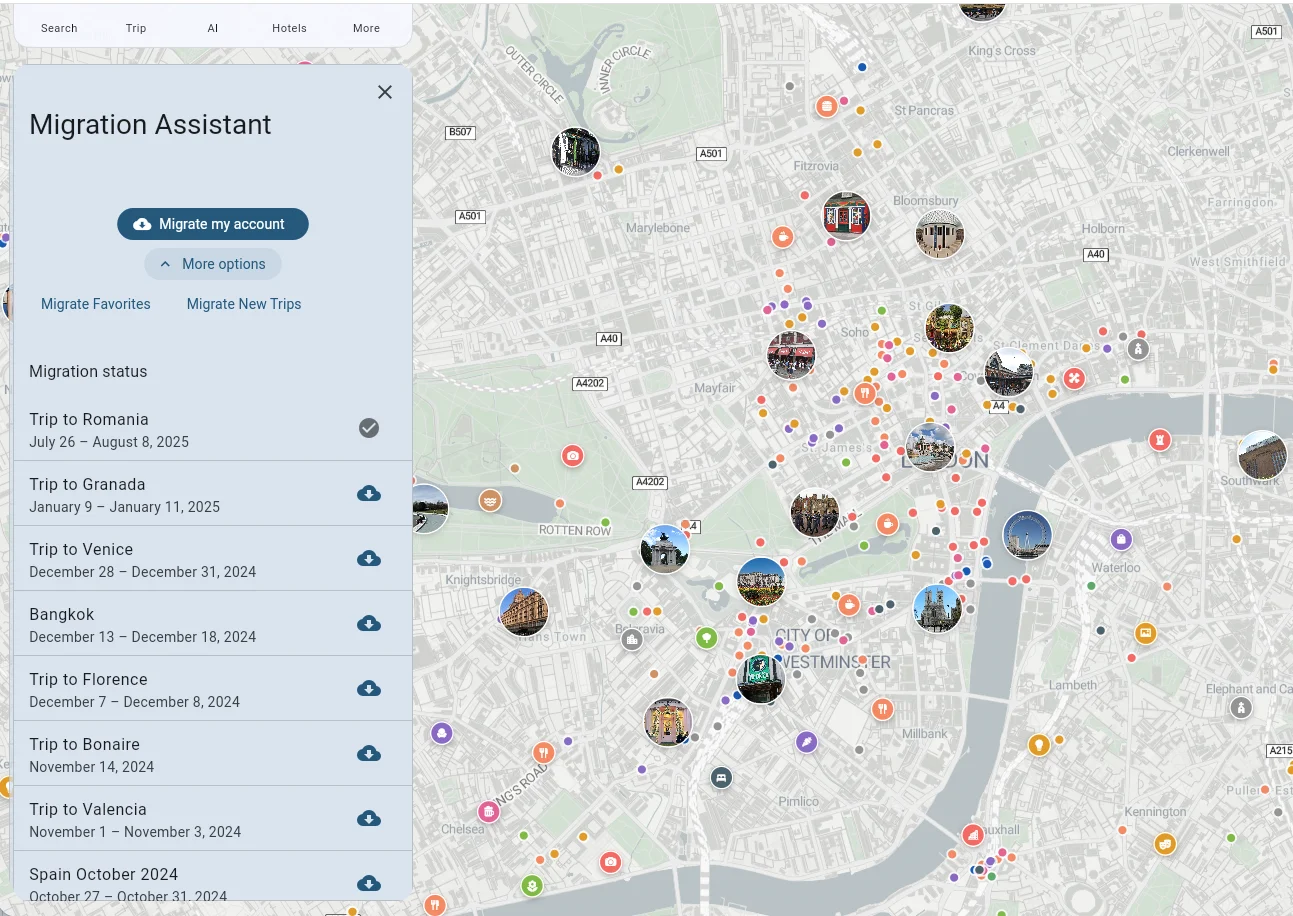
You can transfer trips from your previous Tripomatic data to Tripomatic 26 using the Migration Assistant.
Important: Only New Trips Can Be Transferred
The Migration Assistant only allows you to transfer trips that do not already exist in Tripomatic 26. If you want to re-transfer a trip that was already transferred previously, you must first delete it from Tripomatic 26.
How to Re-transfer a Trip
- Open Tripomatic 26
- Delete the existing trip that you want to re-transfer
- Go to Settings
- Tap Migration Assistant
- Find the trip you want to transfer
- Tap the download icon next to it
⚠️ Caution: Deletion is Irreversible
Before deleting a trip from Tripomatic 26, make sure you are deleting the correct trip. Trip deletion cannot be undone. If you have made any changes to the trip in Tripomatic 26 that you want to keep, those changes will be lost when you delete the trip and re-transfer it from your old data.