Is My Premium Still Valid?
Yes, all purchases remain valid.
Tripomatic Premium works the same way in Tripomatic 26. Your subscription or lifetime purchase will be recognized automatically when you sign in.
My Premium Has Not Been Transferred
If your Premium status is not showing in Tripomatic 26, try manually syncing your account:
- Open Tripomatic 26
- Go to Settings
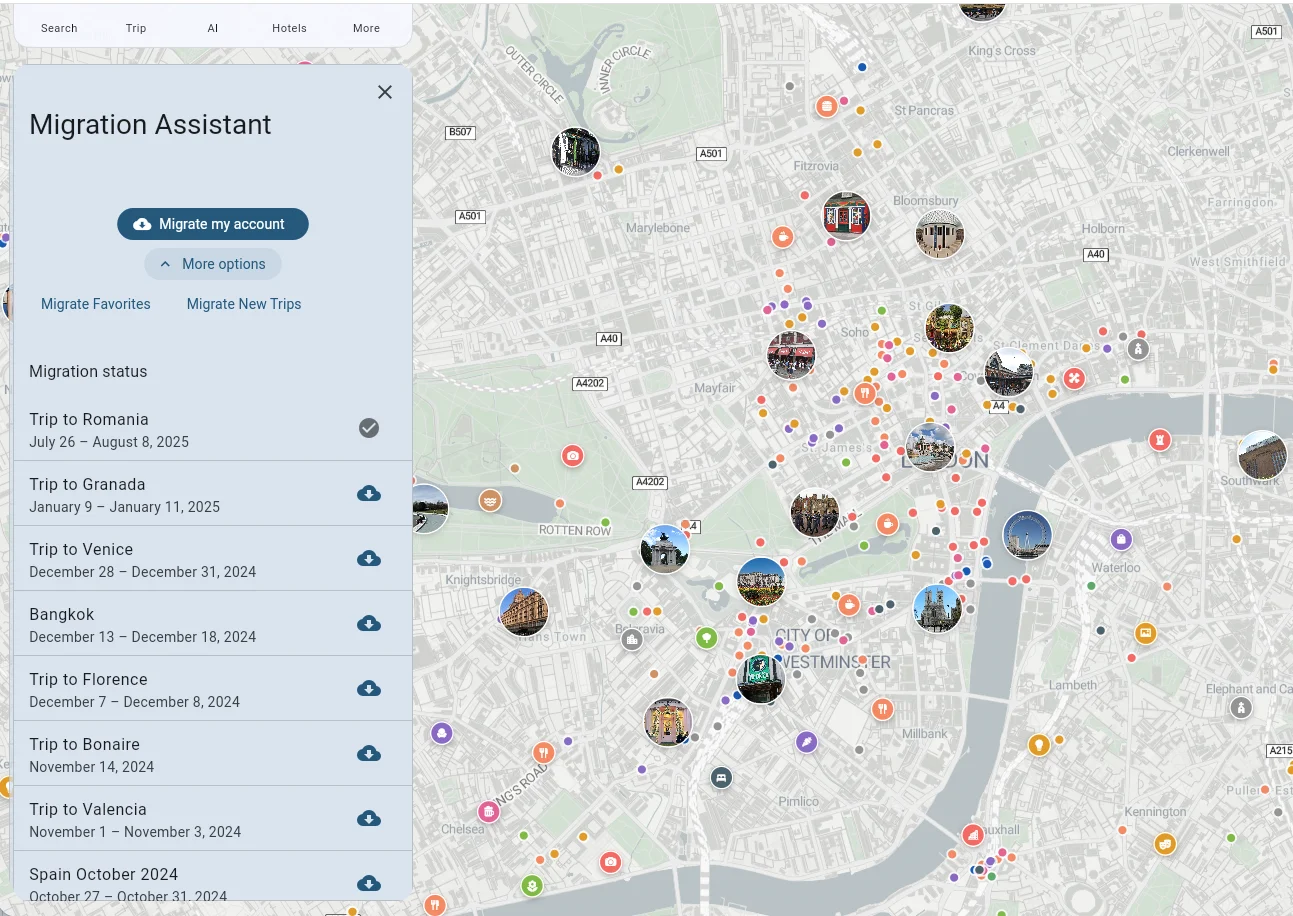
- Tap Migration Assistant
- Tap Migrate my account
This will resync all your user settings and should recognize your existing Premium purchase.
If your Premium status still does not appear after trying this, please contact our support team for assistance.