Why Can't I See My Collaborators?
Collaborators and sharing relationships are not transferred to Tripomatic 26. Your trips are transferred with all their content, but you need to re-invite anyone you previously shared trips with.
How to Invite Collaborators Again
- Open the trip you want to share
- Go to Trip Menu (three dots icon above the dates)
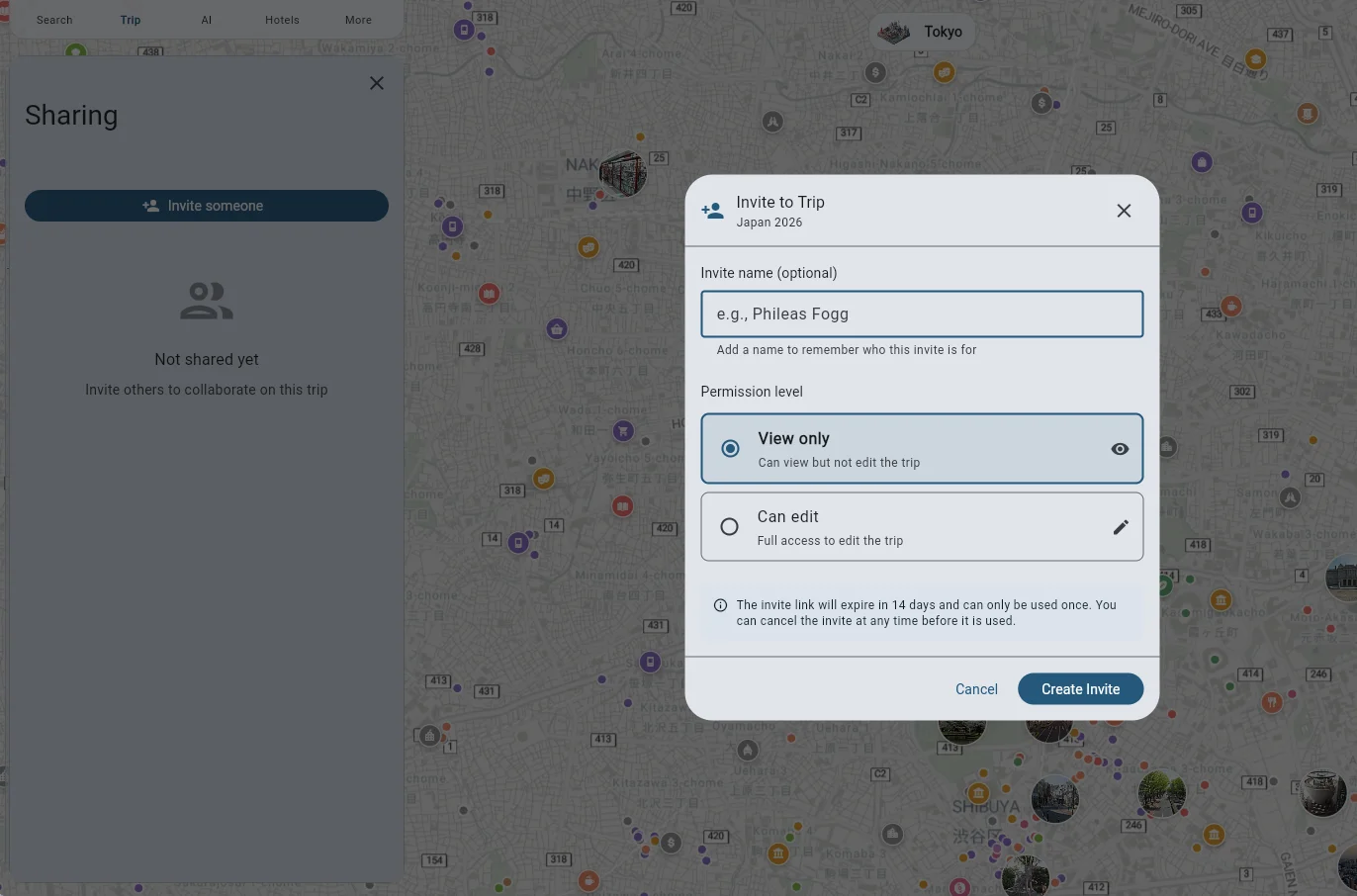
- Select Trip Sharing and click the Invite someone button
- Fill in the travel companion’s name (optional), select the permission level(view-only or full access) and click the Create Invite button.
- Copy the link to the invite and share it with your travel companion.
- They can click the link and join your trip.